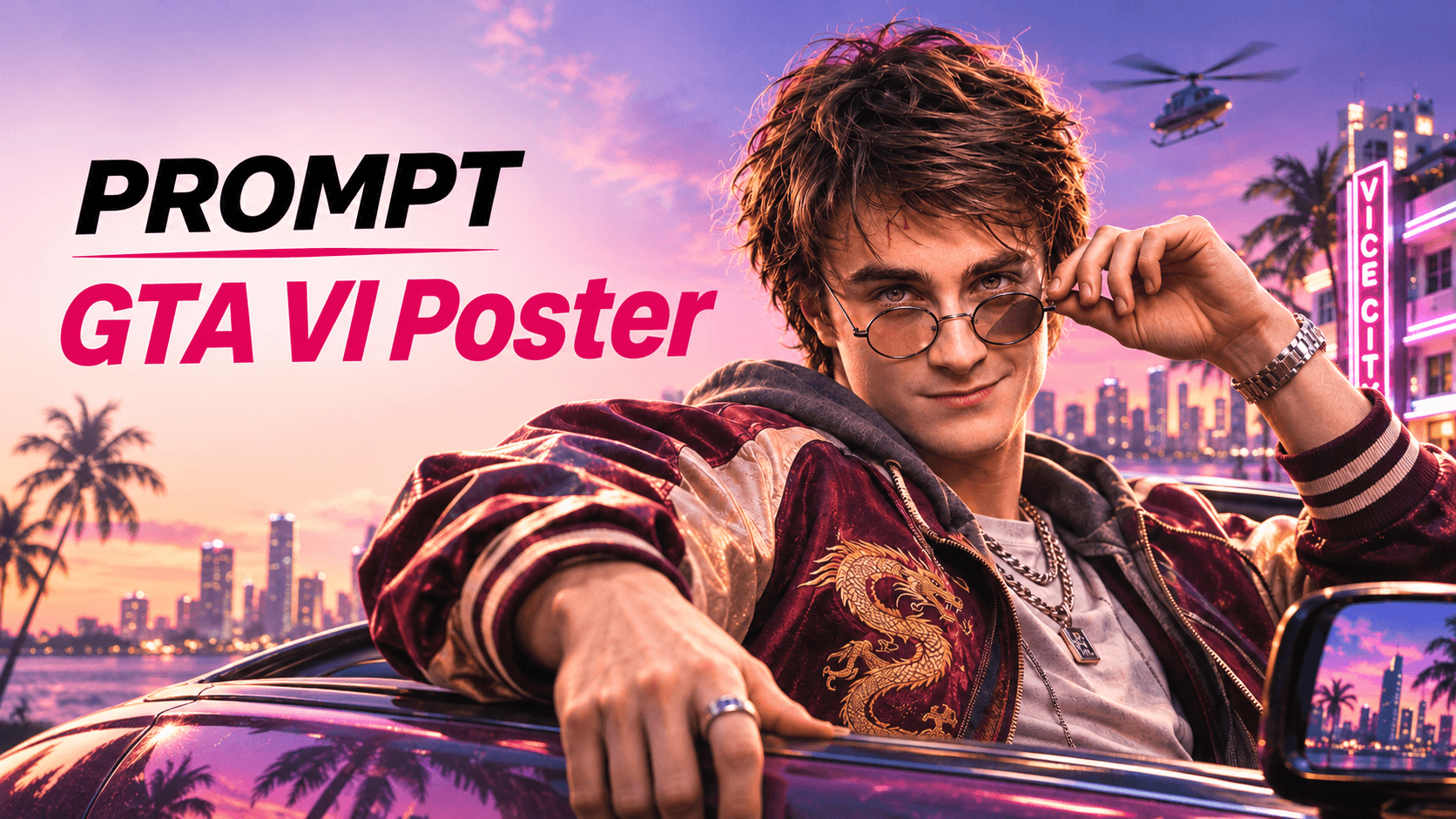
Step 1: Open JifChat Canvas and Upload your reference character
Go to JifChat Canvas and start a new canvas. Upload a clear photo of the character you want to turn into a GTA VI star. A front-facing face with good lighting works best.
👉 Get 500 free credits and start creating!
Step 2: Add an Image Generator
Click the “+” button and add an Image Generator. Connect your reference image to it.
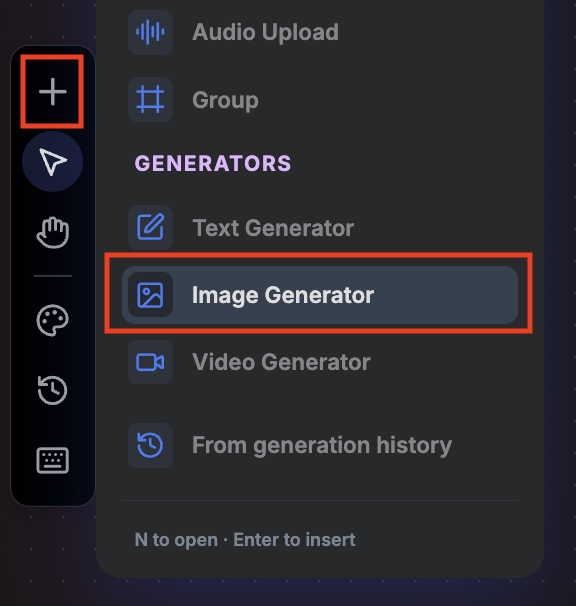
- Model: GPT2
- Size: 4:5
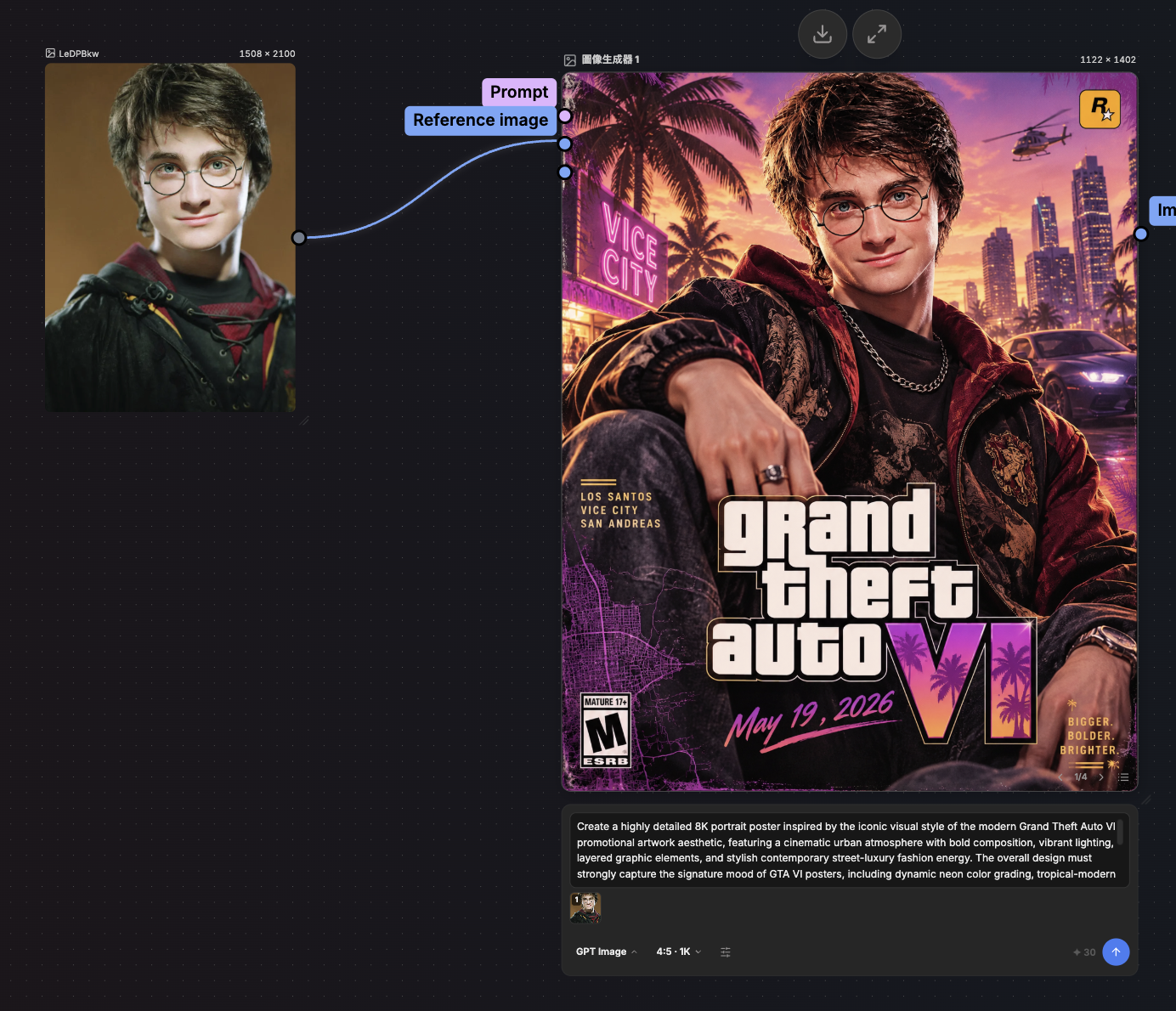
Step 3: Paste the prompt and click Run
Create a cinematic GTA VI-style fan poster using the person in the reference image. Keep their face, identity and features exactly the same.
the character leans out of a classic convertible on a neon-lit Vice City boulevard at sunset. Pink-purple sky, palm trees, Art Deco hotels with neon signs, a city skyline over the water, a helicopter in the distance.
ultra-realistic AAA game key art, semi-realistic with subtle stylization, warm golden-hour highlights, teal shadows, glossy reflections on the car, rich skin texture, shallow depth of field.
an 80s Miami look, such as a satin bomber jacket with embroidery, gold chains, a luxury watch and sunglasses.
a large bold "Grand Theft Auto VI" style title in the lower center, a pink brush-stroke banner reading "November 19, 2026", a small "WORLDWIDE RELEASE" line underneath, a pop-art mural of the character on a wall to the left, and a neon "Vice City" sign in the bottom right.
Vertical 4:5 movie poster composition, sharp, polished, high detail.
That’s it. Click Run and your poster is ready in 30 seconds!