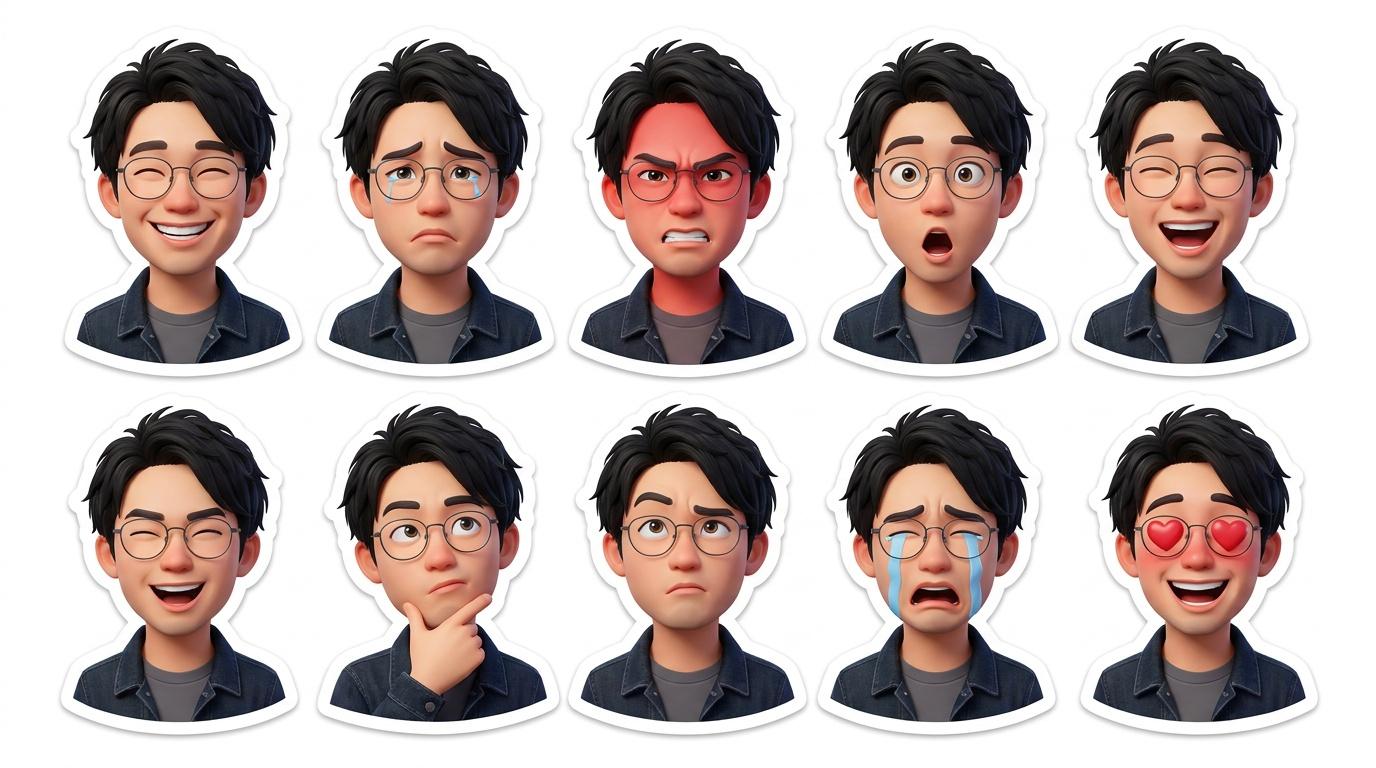
No chat is complete without fun stickers. Have you ever dreamed of having your own sticker pack "starring yourself"? Now that wish is easy to make come true!
Today we're introducing "JifChat" (website: https://jif.dev/), an AI tool built for users in Asia. Unlike AI tools on the market that require complex English prompts, JifChat's biggest strength is "full support for Traditional Chinese." It understands what you mean precisely and can seamlessly generate Traditional Chinese text on images, solving the old pain point of AI-generated text often turning into gibberish.
JifChat has more than 100 built-in AI workflows made by an active community and creators. Whether you're generating images or tweaking details, you don't need any technical background; a few clicks and you're done. Today we'll show you how to use it to turn your selfies into your own sticker pack!
Trick 1: The "Selfie to Stickers" workflow
Step 1: Log in to the (https://chat.jif.dev/) platform and open the "Selfie to Stickers" workflow. A workflow is like an AI shortcut: the system has already set up all the complex parameters for you.
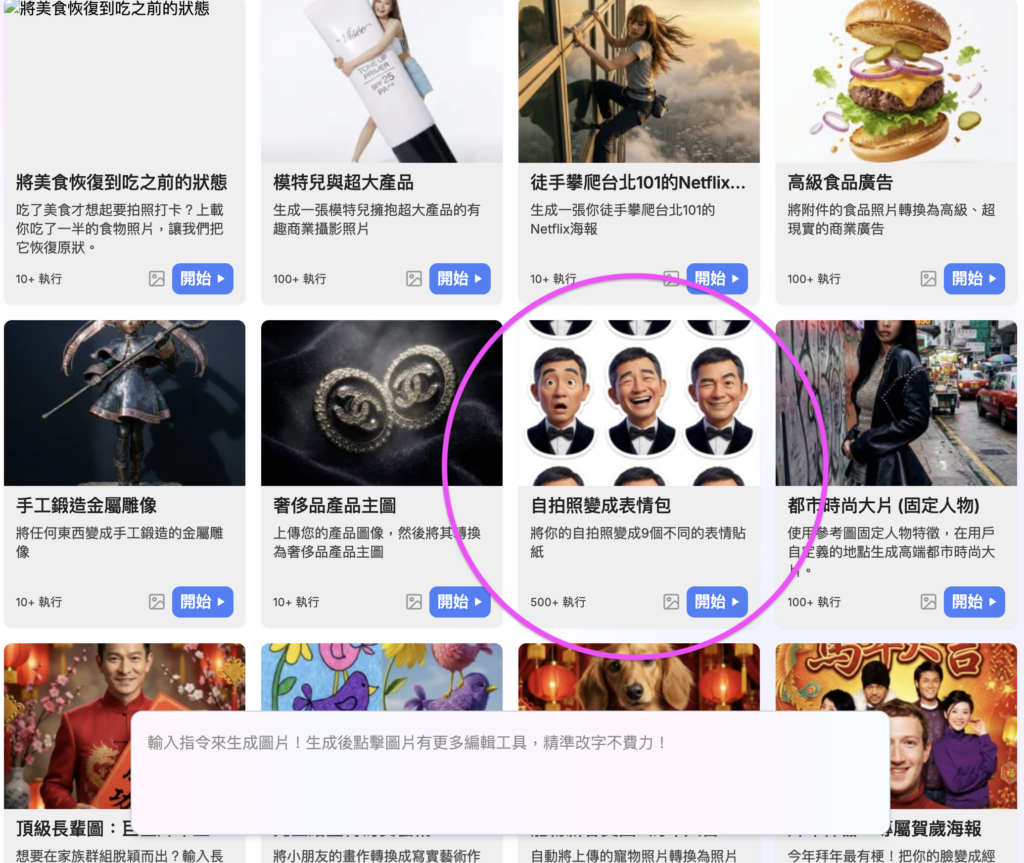
Step 2: Upload one of your selfies in the designated area. We recommend a photo with a clear, well-lit, unobstructed face so the AI can perfectly capture your features.
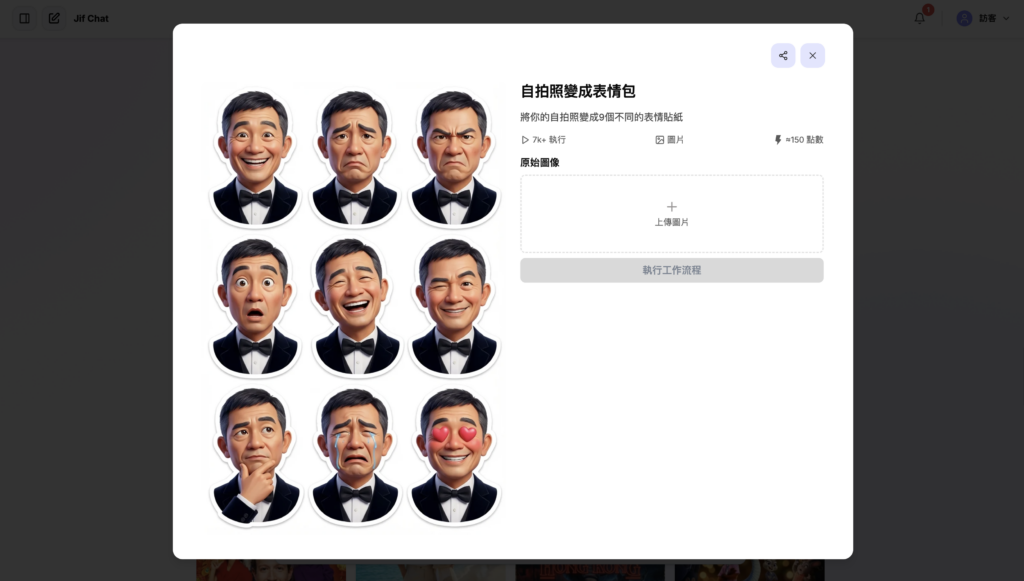

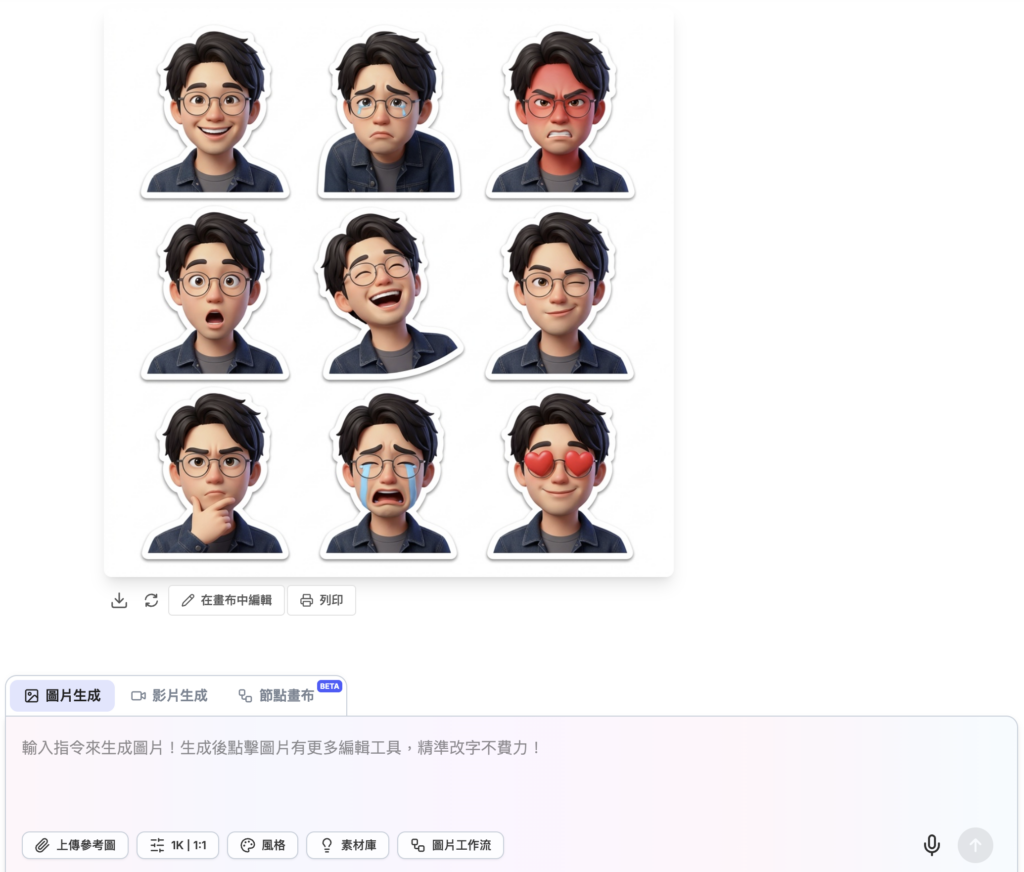
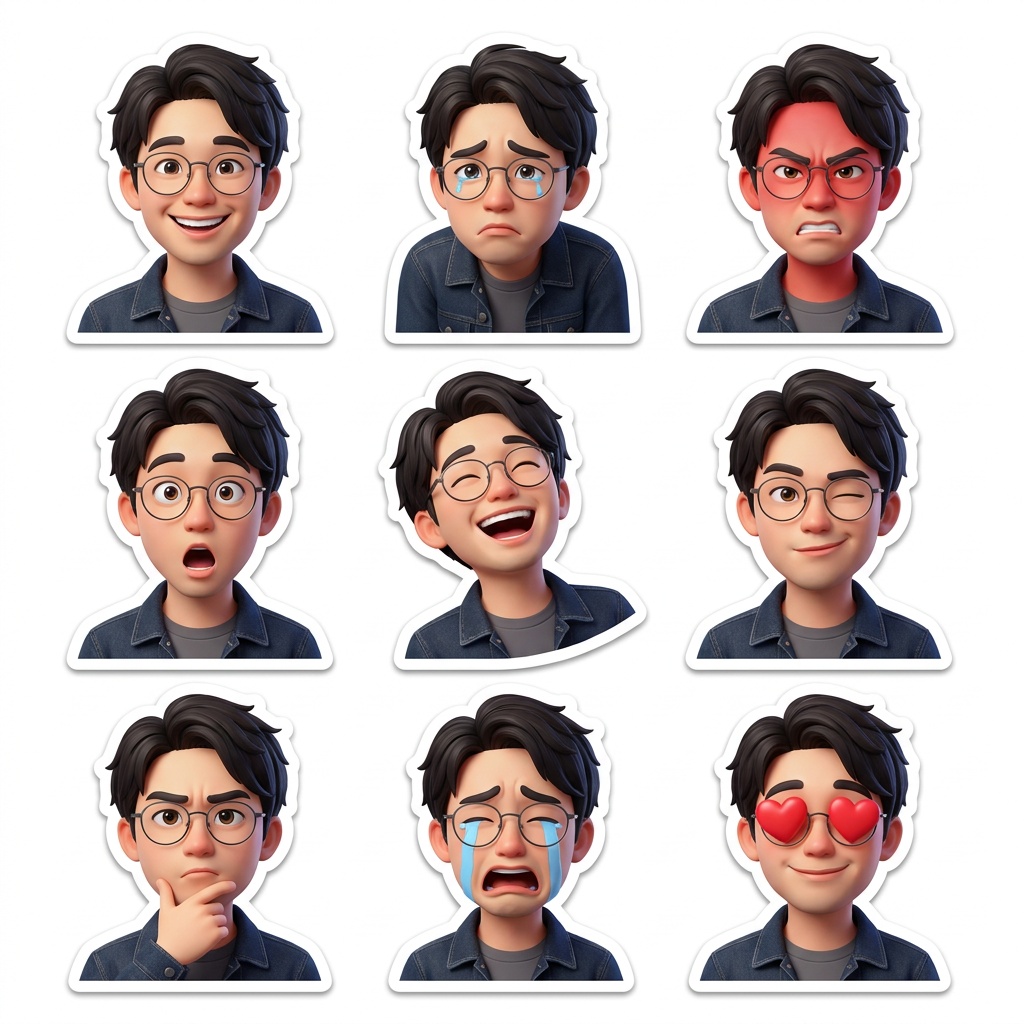
Step 3: Click run, and JifChat will get to work at high speed, automatically generating 9 stickers with different emotions and facial expressions! The stickers keep your likeness and come in a super cute, charming style. You can download the images and import them into your messaging app to share with friends.
Trick 2: The "Sweet-Talk Mom Stickers" workflow
The family group chat is the busiest chat room every day. Sweet-talking Mom with your own stickers is sure to make your parents smile!
Step 1: Open the "Sweet-Talk Mom Stickers" workflow. This workflow doesn't just change your expression; it also uses JifChat's powerful Traditional Chinese text generation to add lively speech bubbles.
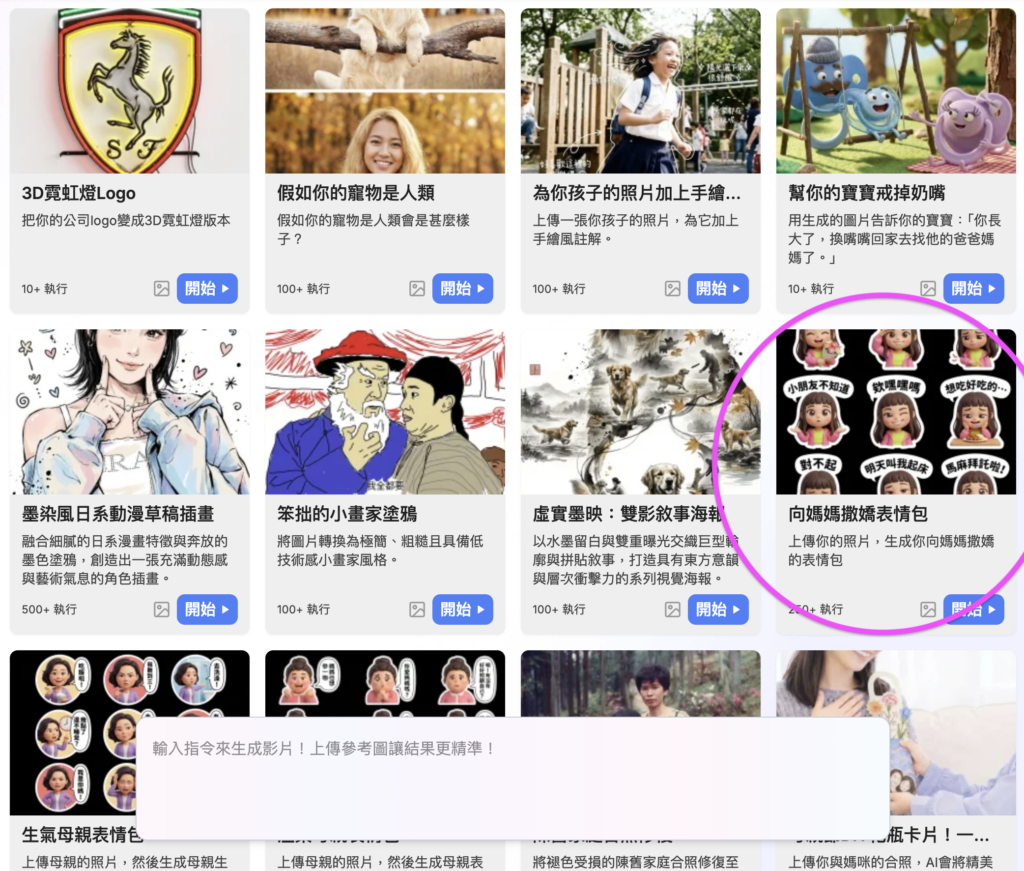
Step 2: Upload your cutest selfie, the one that's perfect for sweet-talking.
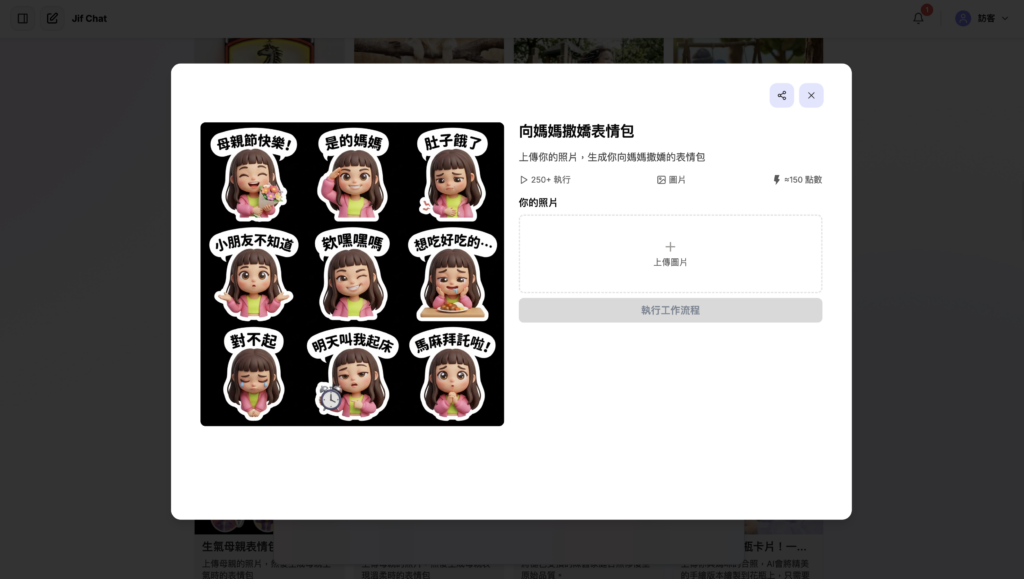
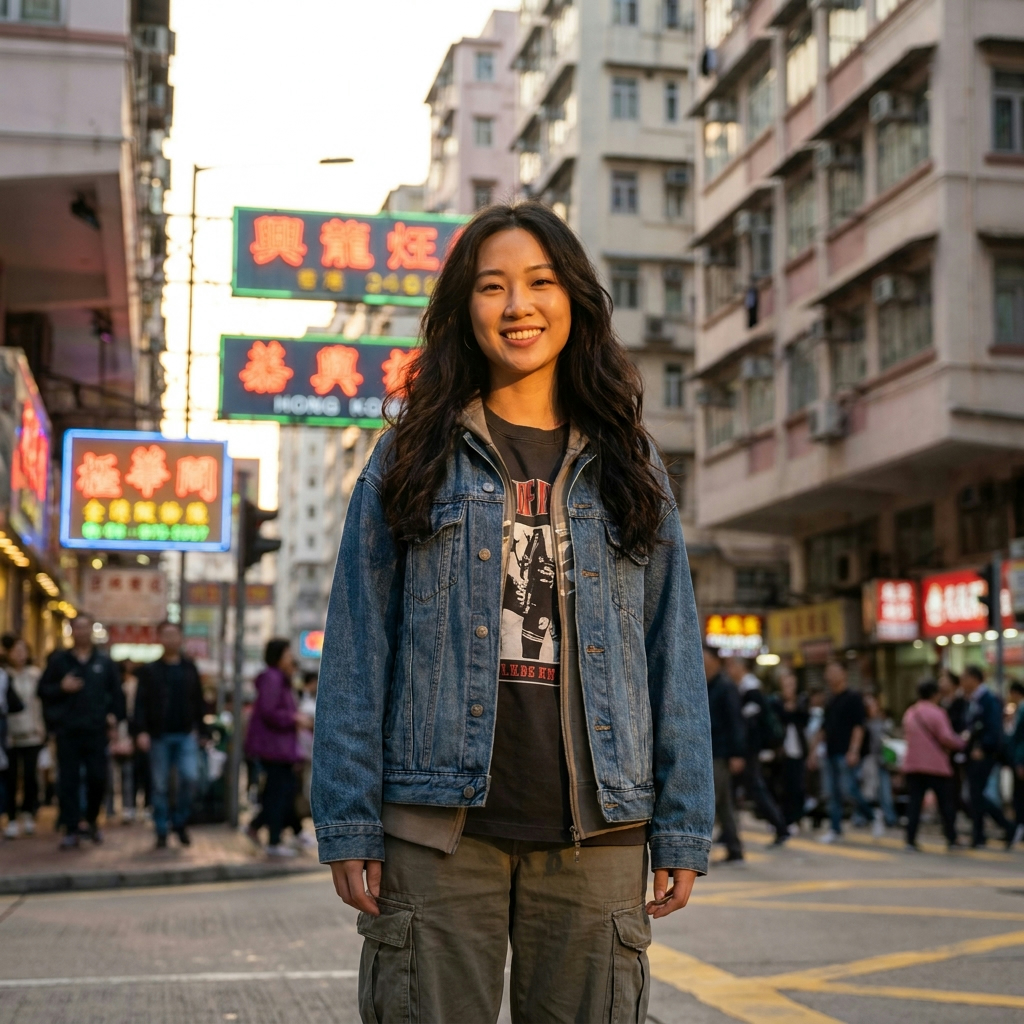
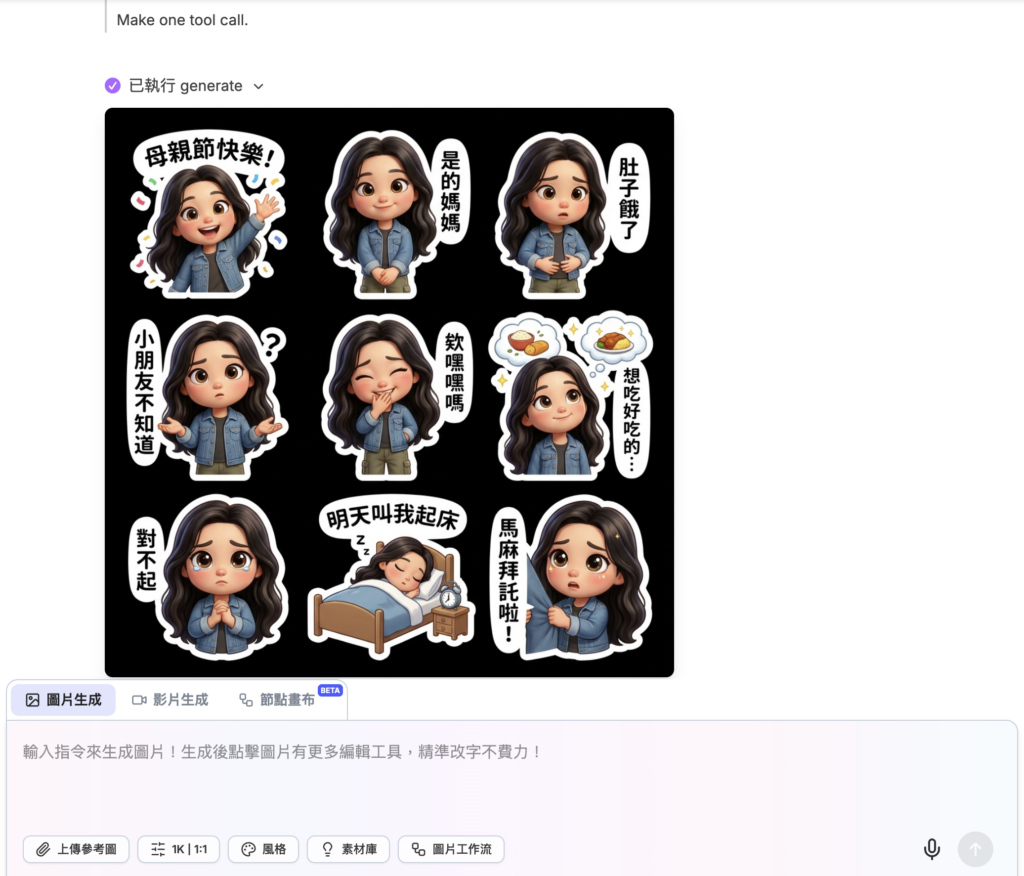
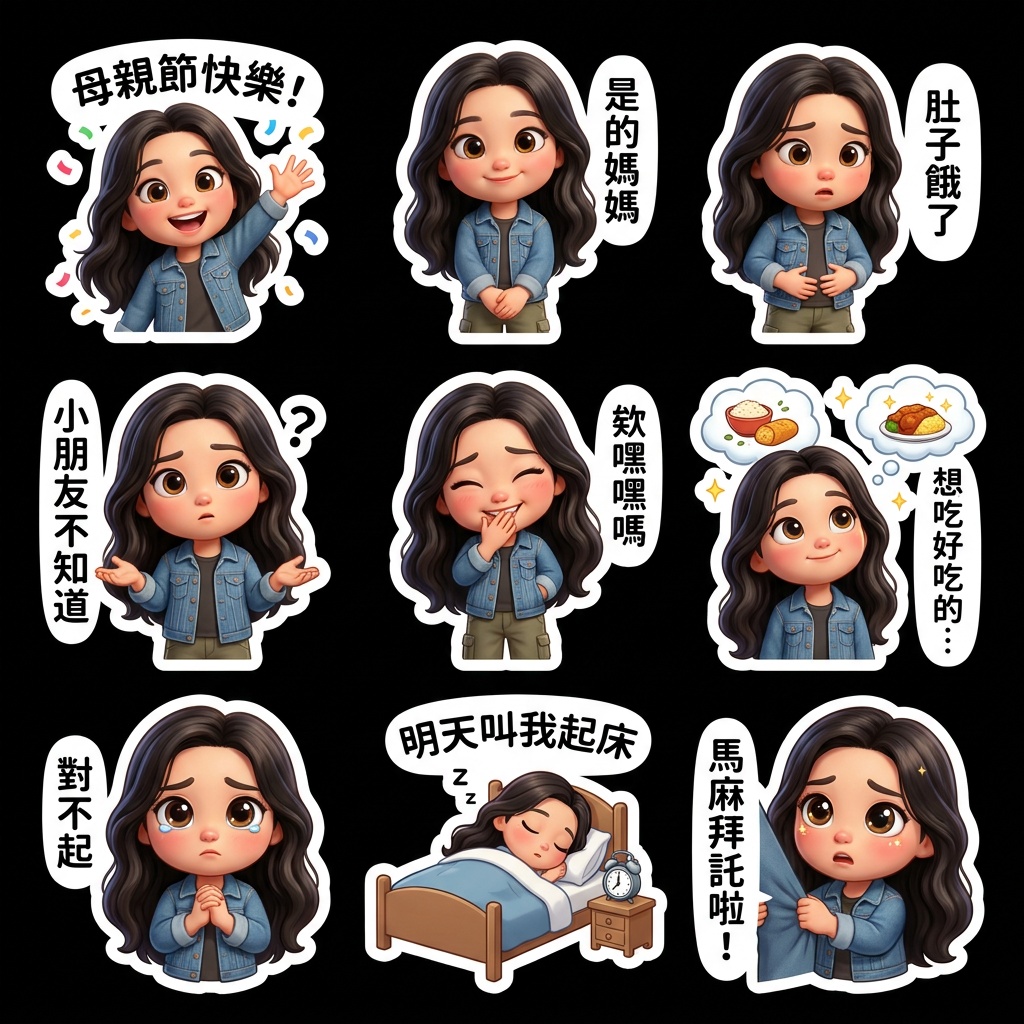
Step 3: The system produces 9 custom stickers with super relatable speech bubbles built right into the images, like "Yes, Mom," "I'm hungry" and "Kids don't know!" Mom is guaranteed to melt when she gets this set. Send them right after they're generated and bring your family's everyday chats even closer.
Trick 3: Edit the prompt template freely for endless variations
Want other emotions? Can you change them yourself? Of course! Using "Selfie to Stickers" as an example, here's how to edit it.
Step 1: Open the "Selfie to Stickers" workflow again.
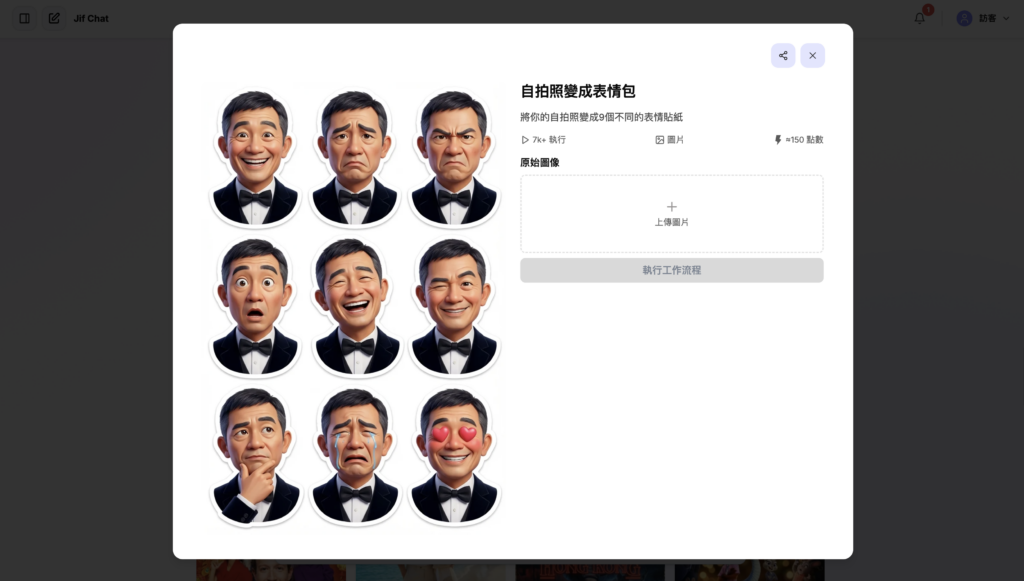
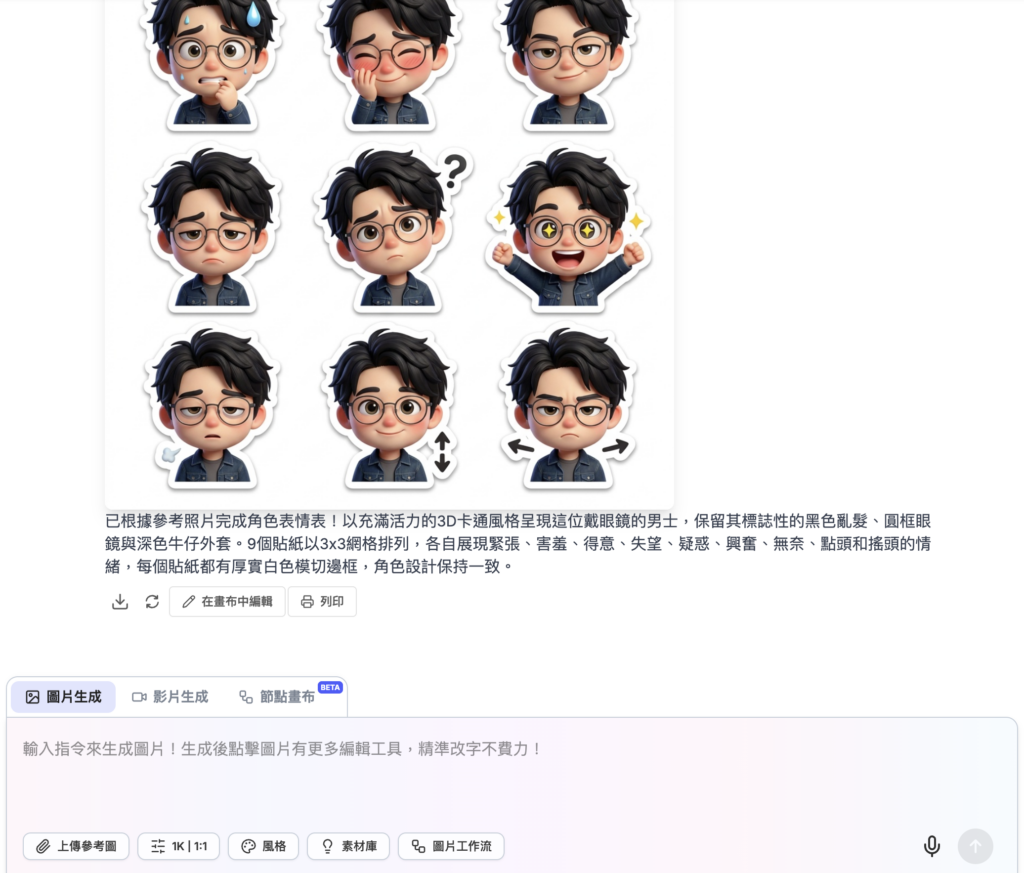
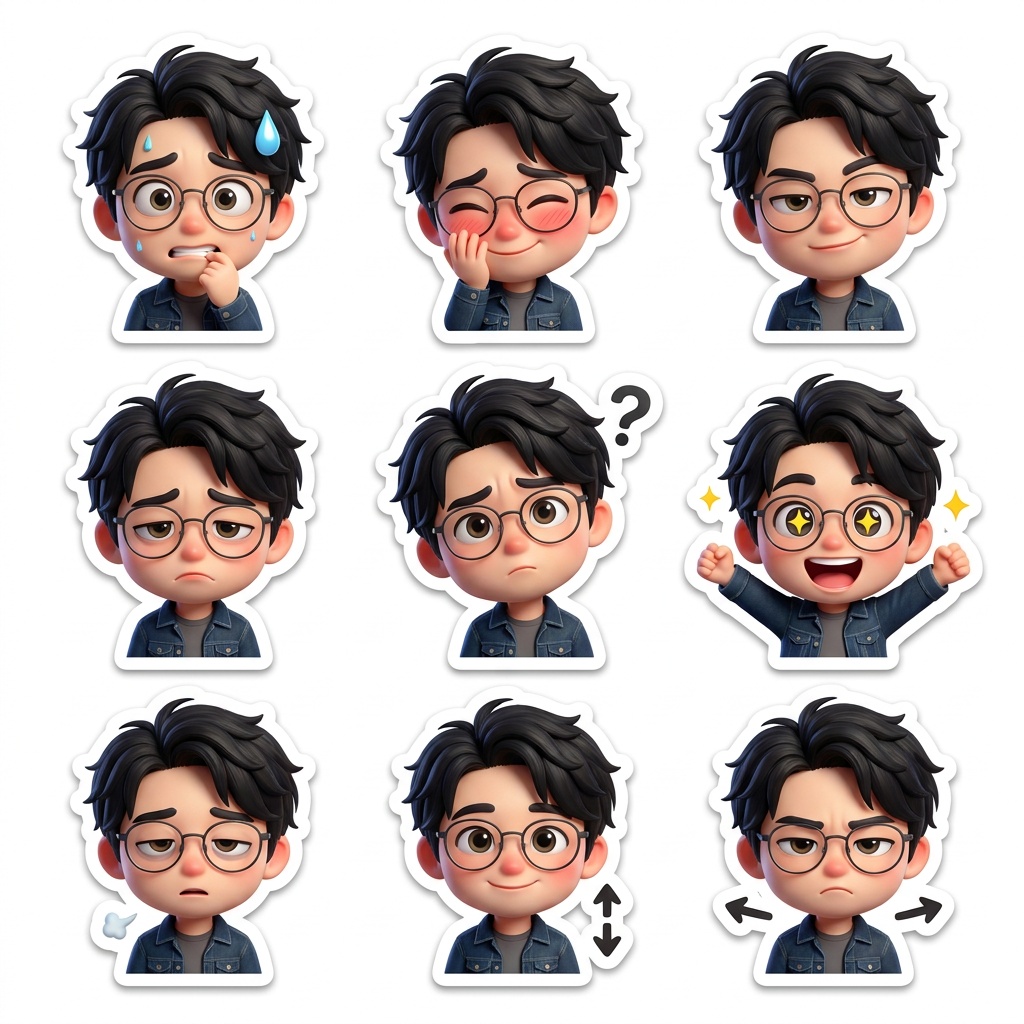
Step 2: After uploading your photo, and before clicking run, find the "prompt template" in the interface. You'll see the system's default emotions: "joy, sadness, anger, surprise, laughing, winking, thinking, crying and smitten." Now get creative and replace them with: "nervous, shy, smug, disappointed, confused, excited, helpless, nodding and shaking head."
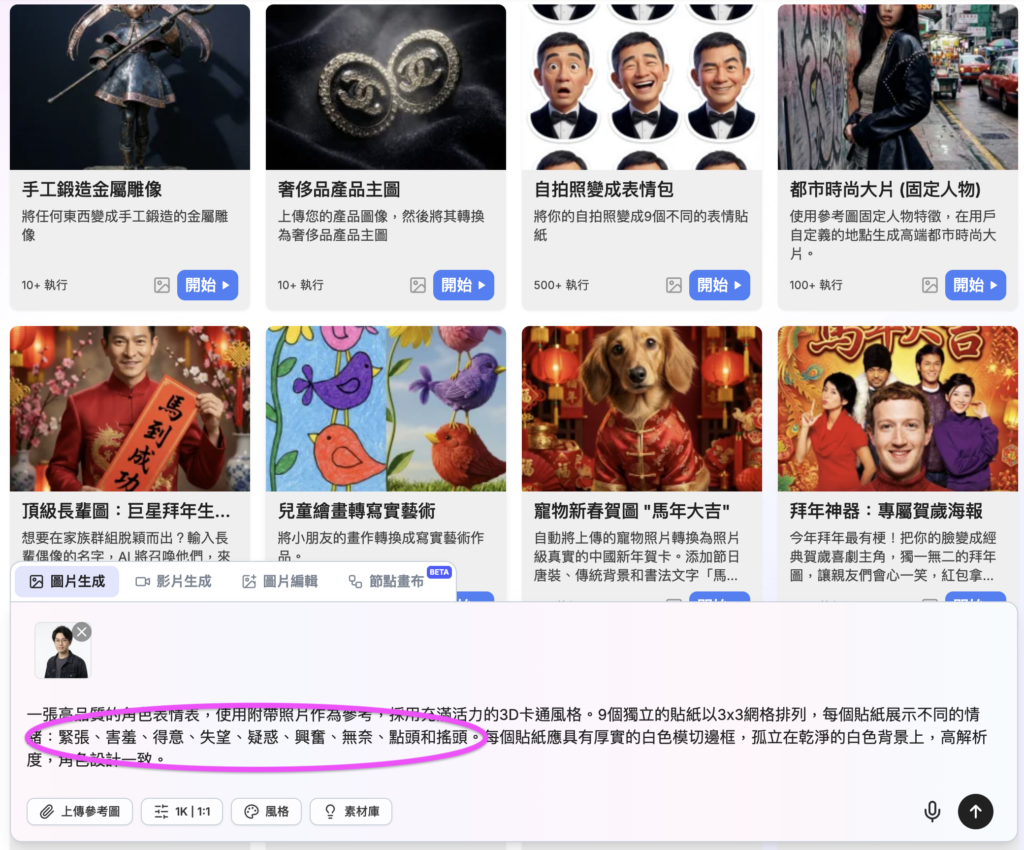
Step 3: After you click run, JifChat generates a sticker pack with completely different emotions and facial expressions based on your new prompt! With a simple prompt edit, you can create totally different variations and build your own ever-changing sticker library.
Join JifChat and experience the magic of AI
The three tricks we showed today are just the tip of the iceberg. The JifChat platform has hundreds more great workflows waiting for you to explore.
Even better, sign up now at (https://jif.dev/) and new users can get up to 9,400 free credits, so you can enjoy generating to your heart's content without worry!
JifChat isn't just a powerful tool; it's also a great way to spend time with your kids. On the weekend, why not pick photos and edit prompts together with your children to make fun family stickers? Sign up for JifChat now and create wonderful moments with your kids!