
In the age of digital marketing, video is the main way to attract consumers. But we all know that making videos with AI often doesn't turn out as expected, and fixing one part breaks another. Using the right tool (https://jif.dev/) will definitely solve your problem! No more frustration with AI. JifChat is a design tool built for the Traditional Chinese market, focused on being "easy, precise and localized." It fully supports Chinese and can generate videos up to 10 seconds long. As long as you have an idea, JifChat can do the rest for you.
This article shows how to use only JifChat, with no production experience and no other tools, to create a commercial-quality video ad from scratch in 3 steps. It handles everything from storyboards, visuals, music and sound effects to voiceover. To make it more relatable for readers in Taiwan, we'll use "Taiwan Beer" as an example and make a 10-second ad.
Go to "Image Generation" mode and create a storyboard
The first step in making an ad is the script and storyboard. JifChat can directly generate a storyboard with a commercial feel.
Prepare a promotional photo (such as a photo of Taiwan Beer). After logging in to JifChat, go to "Image Generation" mode, upload the photo as a reference, then copy the prompt below. This prompt covers the core elements of an ad. The only thing you need to change is to replace "{{product name}}" with the name of your product.
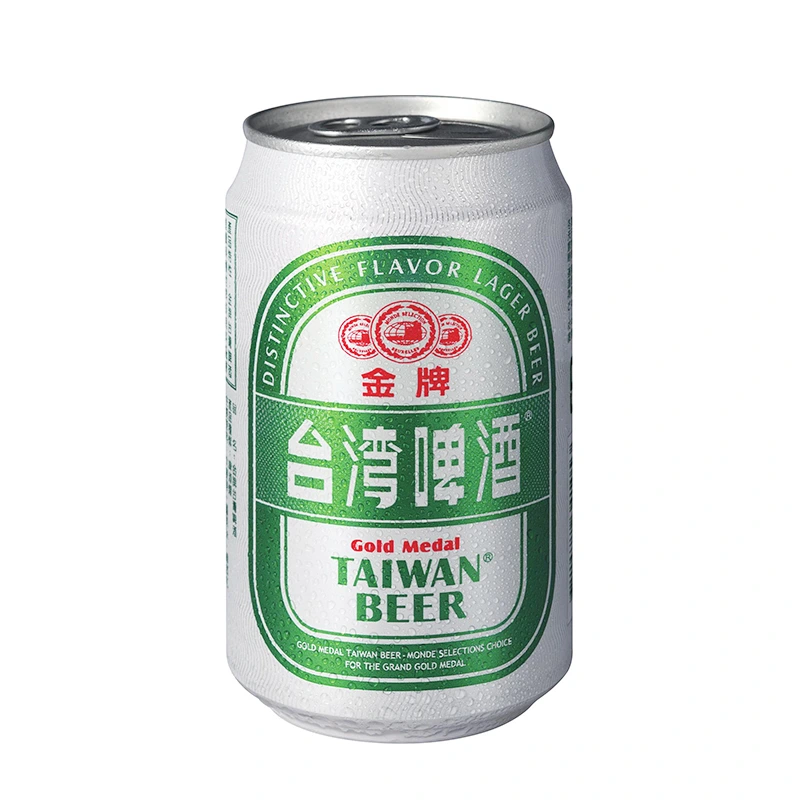
Enter the following prompt:
Generate a detailed storyboard for a 10-second video ad tailored to the {{product name}} in the attached reference image.
The storyboard must include the following elements:
- Time breakdown: precisely mark the timeline (e.g., 0-2s, 2-5s, 5-8s, 8-10s) - Shot description: the visual scene, product movement and key visual - Camera language: camera movements (e.g., push-in, orbiting close-up, slow motion) - Lighting style: color tone, lighting mood and visual style - Sound design: background music (BGM) style and key sound effects (SFX)
Goal: highlight the product's selling points and quality to the fullest, with a fast, eye-catching pace and high commercial conversion.
After you submit, JifChat quickly generates a detailed storyboard.
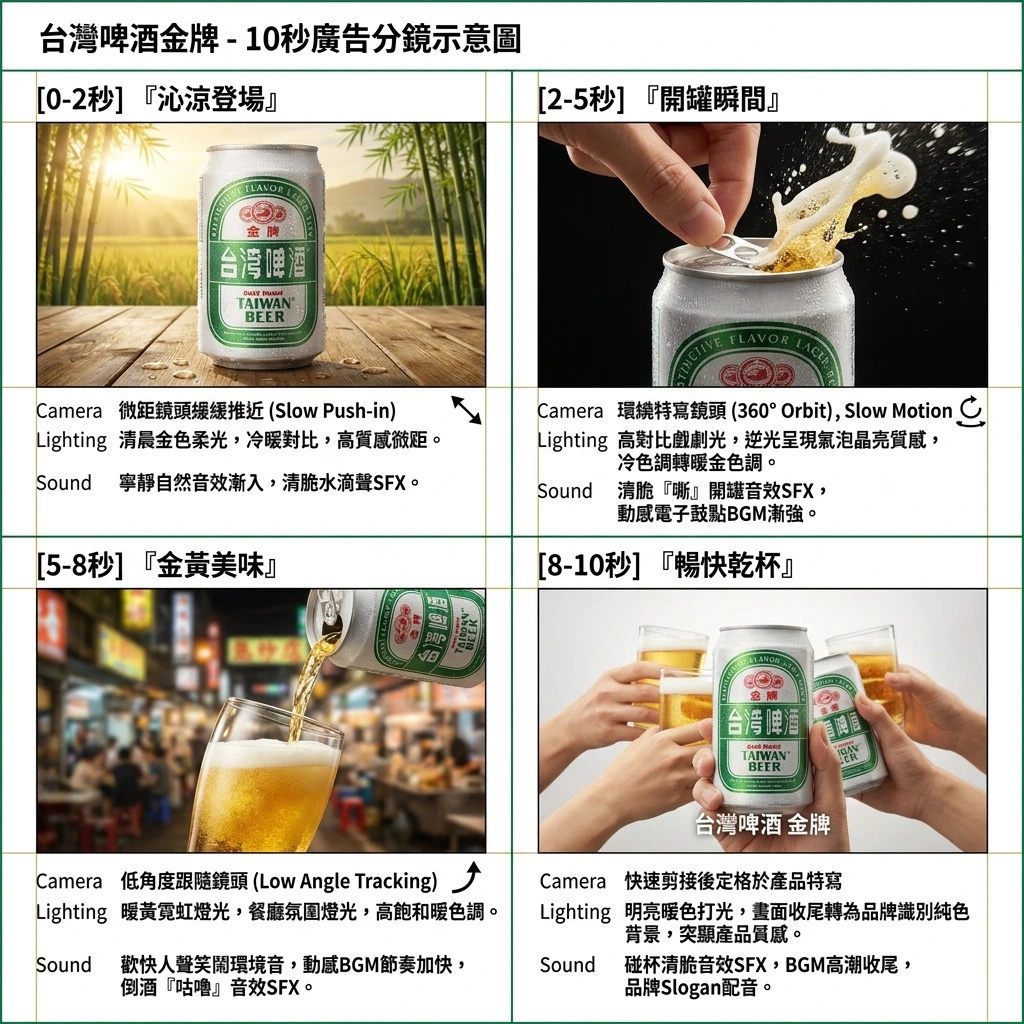
If you're not happy with any part of the script, type what you'd like to change to the AI in the same conversation! Or click "Edit in Canvas" and use "Text Edit" to change the text or the "Selection Tool" to choose which part of the image to change. Keep editing until you're happy!
Go to "Video Generation" mode, start a new conversation and turn the storyboard into a real video
Once the image meets your expectations, download this "storyboard" to your computer.
Next, in "Video Generation" mode, click to start a new conversation so the AI works in a fresh context. Click the upload button and upload the storyboard you downloaded. Then type the instruction in the chat box and set the duration to 10 seconds:
Generate a video based on the uploaded storyboard
It's that simple! No need to adjust complicated settings. The AI automatically analyzes all the information in the storyboard, including the product's look, camera direction and sound design. After you submit, wait a few minutes, and it will turn the static storyboard into smooth motion video with music, sound effects and voiceover added in sync.
All done! Download and enjoy your video
When processing finishes, you'll see your ideal video ad in the chat. Once it looks right, click download to save the video to your computer and upload it to social media anytime.
After this tutorial, don't you think making videos is super easy? Head to (https://jif.dev/) now to sign up and get 9,400 free credits when you join! Unlock your creative freedom today!