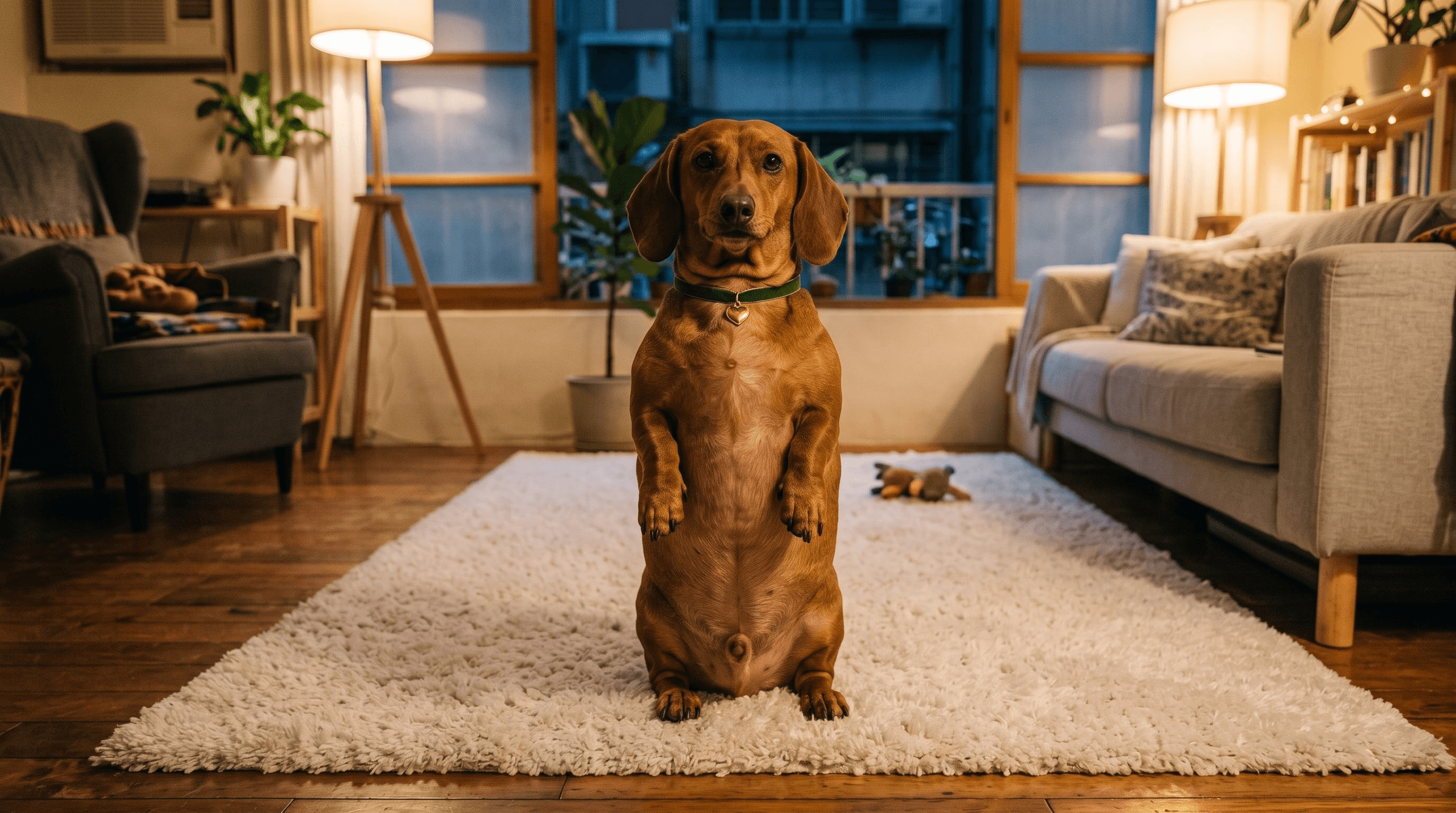
This time, we’ll create everything directly in JifChat Canvas. All you need is one photo of your pet. You’ll first use it to create a consistent character reference, pair it with a camera-movement reference video you like, and then use Seedance to generate a Reel with the same pacing—but starring your own pet.
The key idea is simple: the video controls only the camera movement, while the pet photo controls only the character’s identity and pose.
Upload a Clear, Front-Facing Photo of Your Pet
Start with a front-facing photo of your pet with clearly visible facial features and natural lighting.
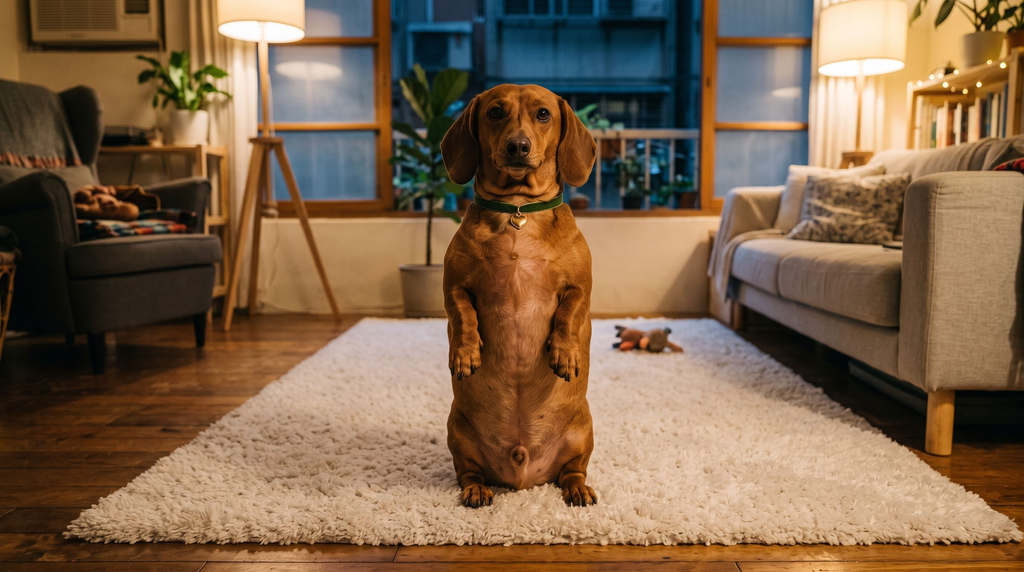
For this example, I’m using a brown dachshund standing upright on its two hind legs, with its body vertical and its front paws raised.
Prepare the Reel Whose Camera Work You Want to Recreate
Credit for the Instagram video: @fatiihh.shn
Next, find a short video you like.
It could feature:
- A rapid zoom-out
- A 360° orbit
- A low-angle pass-through
- A dolly zoom
- A whip pan
- An orbit shot
- A continuous one-take shot
This video does not determine what your dog looks like.
It controls only the:
Camera movement + speed + timing + framing
This means you can take the camera work from any viral Reel you like and replace its main subject with your own pet.
Connect the References in Canvas
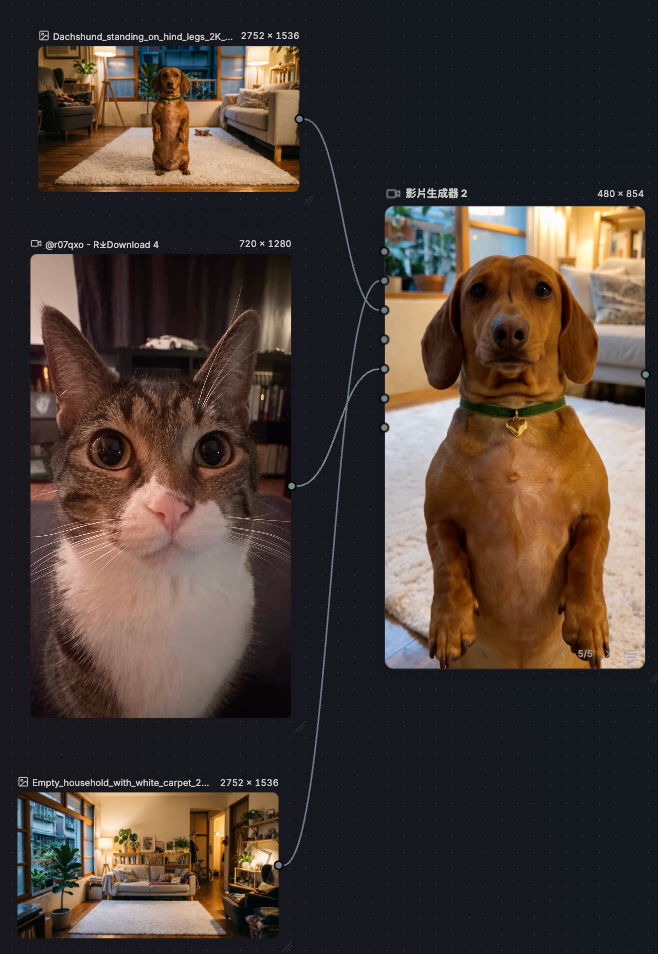
Prepare the following materials in JifChat Canvas:
Video 1: The Reel or camera-movement video you want to recreate
Image 1: A full-body image of your pet
If you also want to change the setting, add:
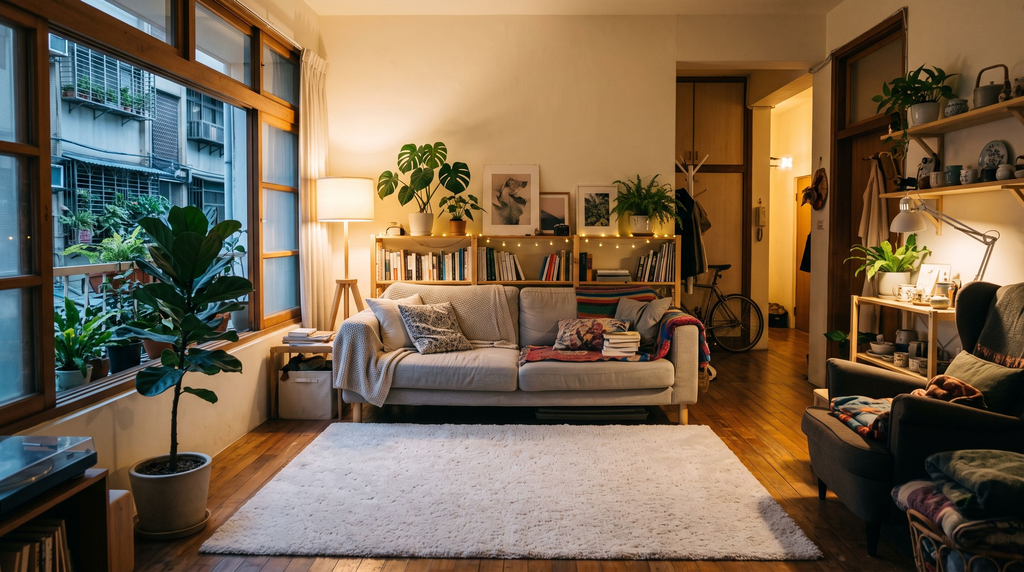
Image 2: The environment you want to appear in the video
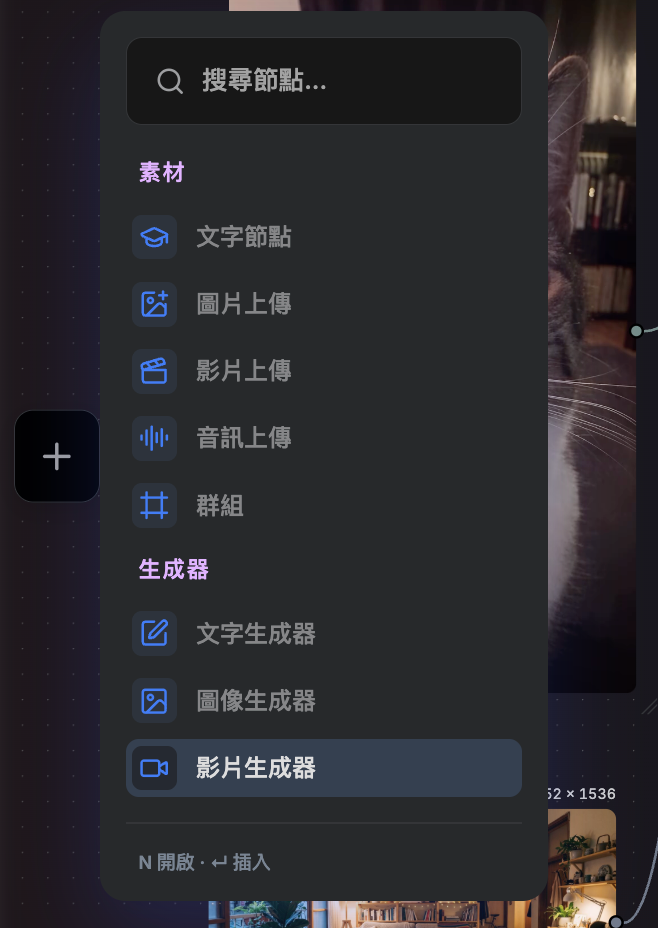
Connect all these assets to the video generator.
The purpose of each reference must be defined very clearly:
This is the most important step in the entire workflow.
Generate the Pet Reel with Seedance
You can use Seedance 2.5 as the video model. JifChat Canvas lets you connect the character, setting, and video references to the same generation node, then use the prompt to define the exact purpose of each asset.
Complete Video Prompt
7 seconds / 9:16 vertical / replace the dog and environment / one continuous shot with no cuts.
Reference roles: @Video1 = Use only as a reference for camera movement and timing. Replicate the camera movement from @Video1 exactly, including the same camera path, speed, acceleration, duration, lens behavior, compositional changes, motion blur, orbit direction, and identical frame-by-frame timing from the first frame to the last. Do not inherit the original animal, animal pose, anatomy, room, furniture, lighting, colors, or environment from @Video1.
@Image1 = Use only as a reference for the dog’s identity, body proportions, and upright pose. Use the exact same dachshund shown in @Image1: the same long dachshund body, reddish-brown fur, face, eye shape and eye color, long floppy ears, muzzle, chest markings, short legs, paws, tail, body proportions, green collar, and gold heart-shaped tag. Most importantly, the dog must maintain the two-legged upright pose shown in @Image1 throughout the entire video. Its body remains vertically upright, both hind paws stay planted on the ground, its torso is lifted upward, and both front paws are raised naturally in front of its chest. Maintain the same upright balance and typical dachshund proportions.
@Image2 = Use only as a reference for the environment. Preserve the environment, room layout, furniture, flooring, materials, colors, and lighting from @Image2. Do not inherit any camera angle or composition from @Image2.
Video instructions: Recreate the full camera sequence from @Video1 using the dachshund from @Image1 in the environment from @Image2. The dachshund remains upright on its two hind legs throughout the entire video. Both hind paws stay fixed in the same position on the floor, the torso remains vertically raised, and both front paws remain naturally lifted in front of its chest, preserving the signature pose from @Image1.
The dog may make only tiny balancing adjustments that are anatomically realistic for a real dog, such as extremely subtle front-paw movement, slight chest movement caused by breathing, tiny head adjustments, natural ear movement, and a small amount of body sway to maintain balance. Do not add walking, crawling, sitting, dropping back onto all four paws, jumping, or any change of stance.
The head and eyes may naturally follow the moving camera, but the body pose must remain locked. The camera must move around the dog exactly as it does in @Video1. If @Video1 contains a full orbit shot, use the front, side, and back references from @Image1 to ensure the dog retains the same identity and correct anatomy from every angle.
Throughout the orbit, the dog must remain centered in the same real-world position. As the camera moves around it, the dog’s body orientation in world space should remain stable unless @Video1 explicitly requires a very slight head turn.
Environmental integration: The dog must appear to exist physically within the environment from @Image2. There must be accurate contact shadows beneath both hind paws. The ambient and directional lighting on the fur must be correct, and the fur must respond naturally to the scene’s lighting.
As the camera travels through the scene, furniture must occlude the subject correctly. Depth of field, perspective, and scale must also remain accurate. The dog should look as though it is genuinely standing inside the room—not composited or pasted onto the background.
Camera lock: The camera must reproduce @Video1 frame by frame. Match the camera trajectory, camera height, camera distance, movement speed, acceleration, deceleration, orbit direction, lens behavior, compositional changes, motion blur, and timing exactly.
The entire camera move must be completed within the original video’s duration. Do not slow the camera down, shorten the movement, stop the camera early, add extra camera movements, change the orbit direction, or add any cuts.
Pose lock: From the first frame to the last, the dachshund must remain upright on its two hind legs. Both front paws remain raised, both hind paws remain in contact with the ground, the torso stays vertical, and the body proportions remain identical to @Image1.
The camera moves—not the dog. The dog must not rotate with the camera as if it were being displayed on a turntable. The dog must exist as a stable 3D subject within the environment while the camera physically moves around it.
Consistency: Only one dog may appear in the frame. From the first frame to the last, it must remain the same dog with the same reddish-brown fur, green collar, gold heart-shaped tag, dachshund anatomy, upright pose, and environment. No identity drift, anatomical drift, or pose drift.
Retain only quiet, natural indoor ambience. If appropriate, add extremely subtle sounds of the paws contacting the floor. No music.
Visual quality: Ultra-photorealistic, live-action appearance; natural, realistic fur with fine individual strands visible; natural reflections in the eyes; authentic canine anatomy; natural contact shadows; and physically plausible lighting. No artificial AI gloss, plastic-looking fur, or cartoon-like appearance.
Negative prompt: Do not change the breed. Do not change the fur color. Do not change the collar. Do not lose the collar. Do not lose the gold heart-shaped tag. Do not duplicate the dog. Do not show multiple dogs. Do not make the dog rotate like a turntable. Do not change the camera path. Do not change the camera speed. No incomplete orbit. Do not stop the camera early. No static pause. Do not add cuts. Do not allow the original environment from @Video1 to bleed into the result. No room-layout drift. No flickering. No morphing. No distorted paws. No extra legs. No extra paws. No deformed ears. No cheap CGI. No cartoon style. No text. No watermark.
The biggest advantage of this workflow is that you don’t need to rebuild your pet character for every new video.
Once your character reference is ready, you only need to replace @Video1.
Today, you could give your pet a 360° orbit shot. The next video could use a rapid zoom-out, and the one after that could recreate the camera work from a different cinematic Reel.
By continuing to use the same reference image for your pet’s identity, you can maintain a much more consistent appearance.
The complete workflow is simply:
Pet photo → Add a Reel reference and environment image → Connect them in JifChat Canvas → Generate the video with Seedance
It doesn’t have to be a dachshund.
You can use the same method with a dog, cat, rabbit, or even an original pet character of your own.
If you want to create Reels starring your own pet, place the pet photo, reference video, and setting in JifChat Canvas, then combine them freely to build your own pet-video workflow.