As generative AI races ahead, JifChat has launched its brand-new "Infinite Canvas"! It is a borderless, spatial workspace where you can freely arrange, pan and zoom all kinds of AI nodes, workflows, prompts and images on the canvas. With visual connections, complex AI creation becomes as intuitive and flexible as a jigsaw puzzle, giving creators more freedom and efficiency.
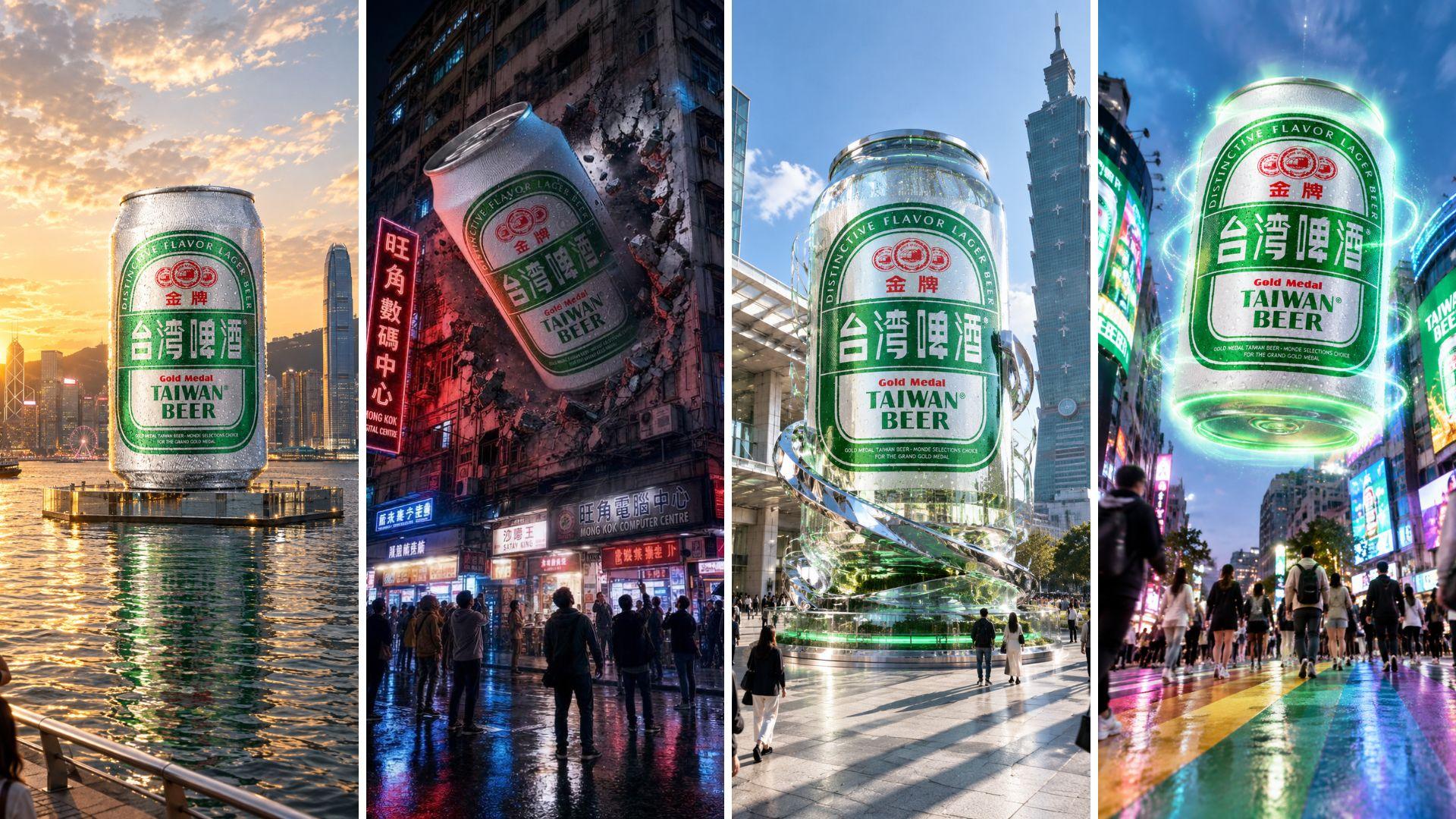
In this tutorial, we will use the JifChat Infinite Canvas to create trending FOOH (fake out-of-home) virtual outdoor ad images and videos for the classic "Taiwan Beer." We will place the product at four landmarks: Taipei 101, the rainbow crosswalk in Ximending, Hong Kong's Victoria Harbour and the streets of Mong Kok. Follow the five steps below to master the techniques for making a viral hit!
Step 1: Open the JifChat Infinite Canvas and upload a product image
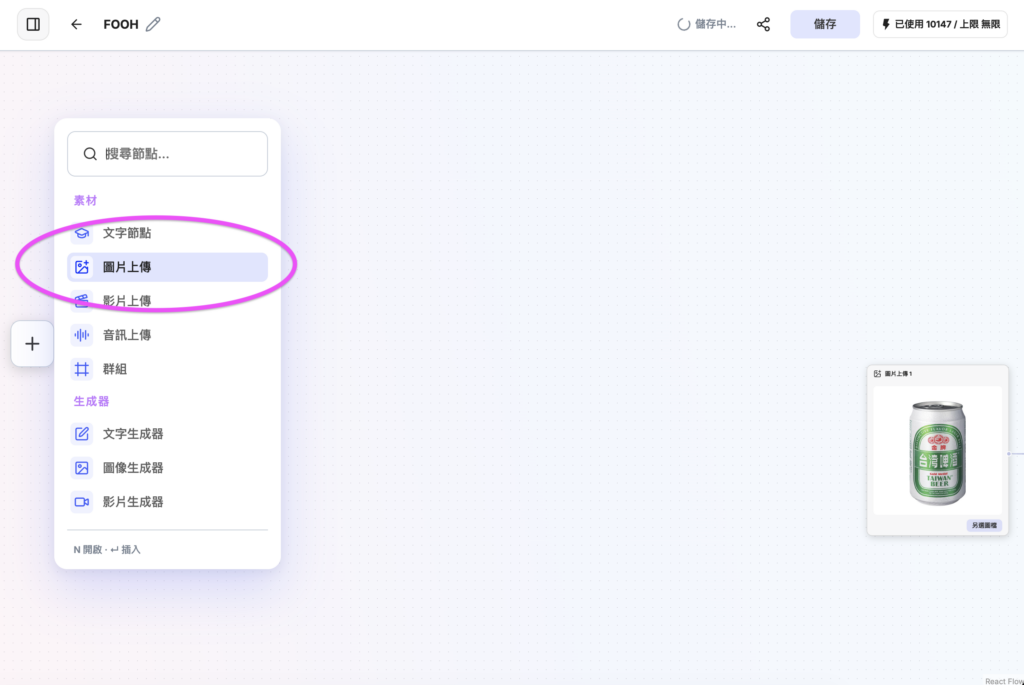
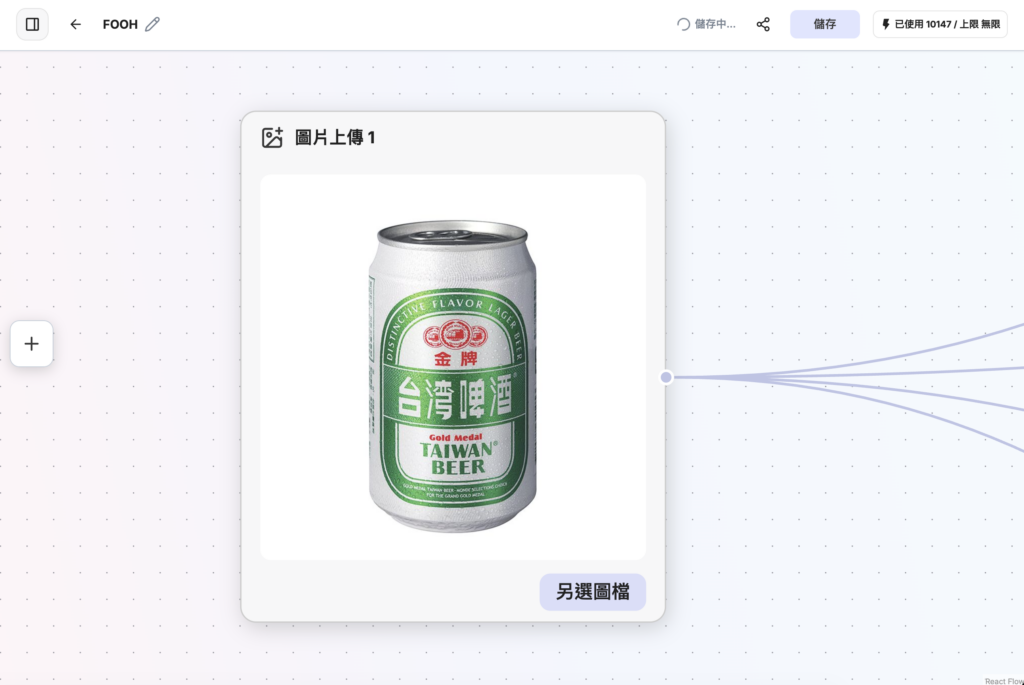
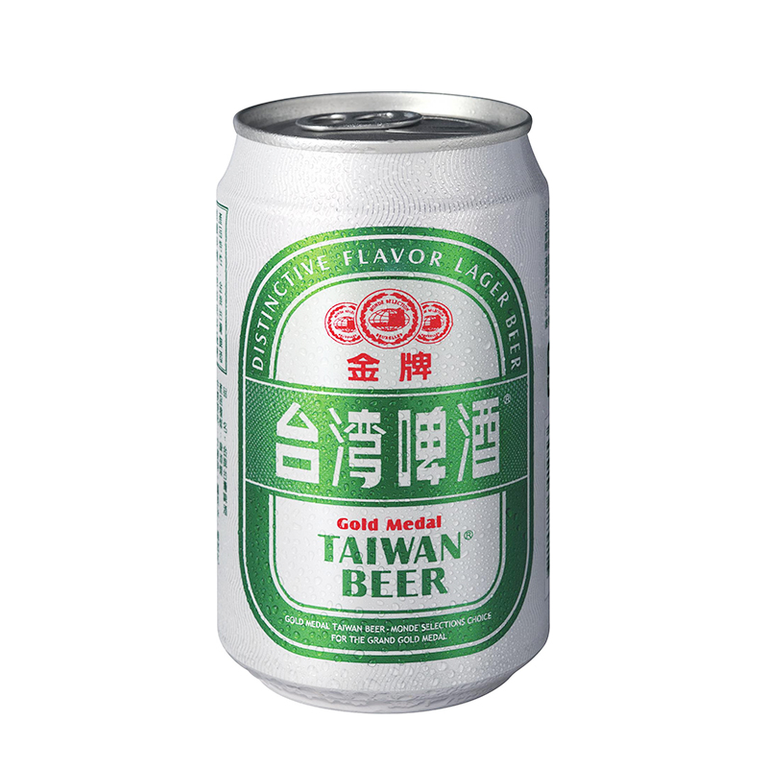
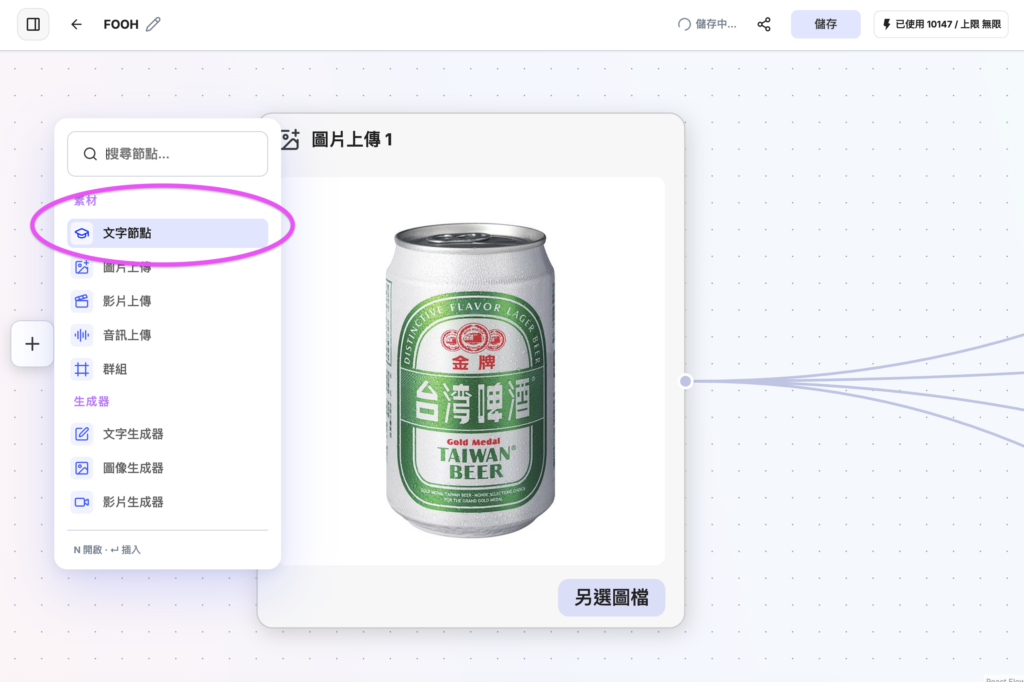
Go to (https://chat.jif.dev/c/new?utm_source=gemini), sign up and log in. Click "Node Canvas," then click "Or create a blank canvas." Press the "+" icon, choose "Image Upload," and upload a photo of Taiwan Beer or of your own product.


Step 2: Create 4 text nodes and enter the FOOH prompts
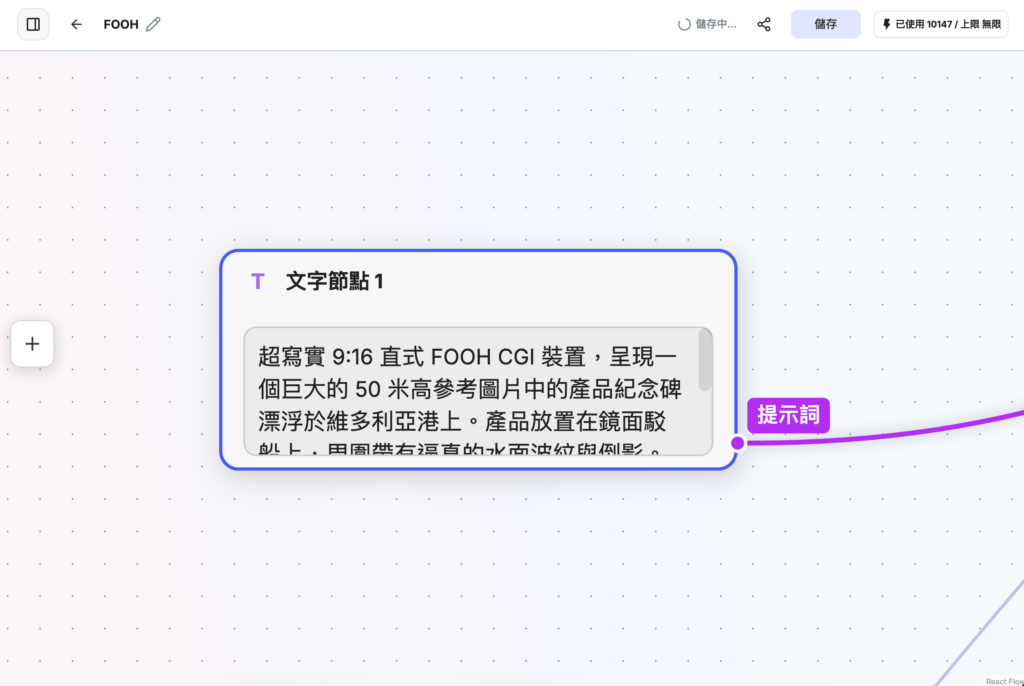
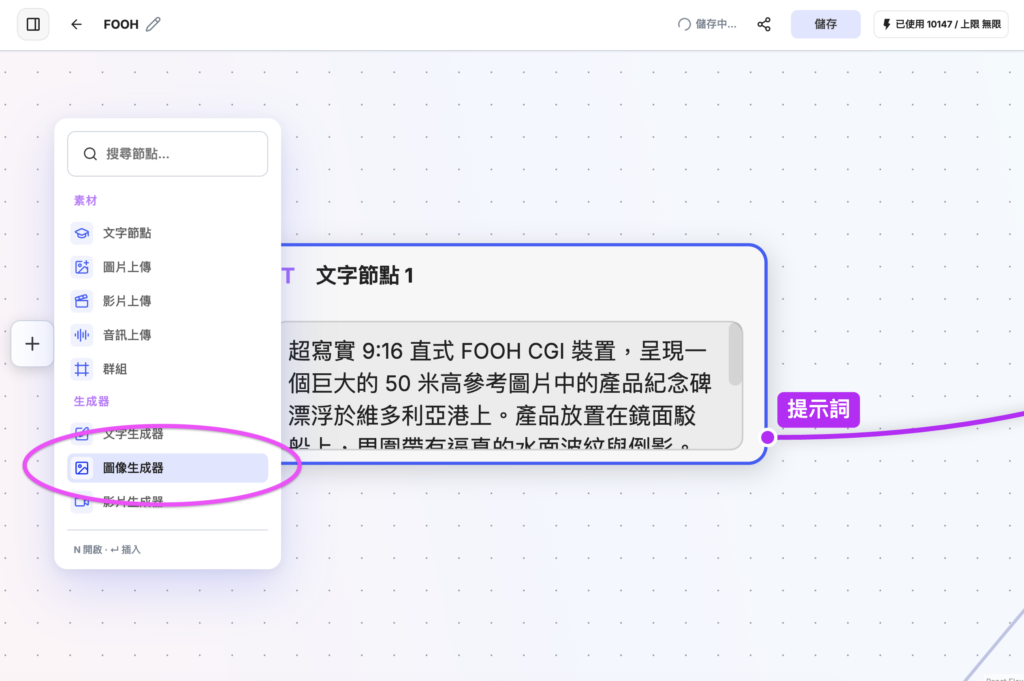
Click "+" and choose "Text Node" to create 4 text nodes, then copy and paste one of the following prompts into each:
- Hyper-realistic 9:16 vertical FOOH CGI installation showing a giant 50-meter-tall monument of the product in the reference image floating on Victoria Harbour. The product sits on a mirrored barge with realistic water ripples and reflections around it. The background is the Hong Kong Island skyline in golden-hour sunlight, shot from the Tsim Sha Tsui waterfront promenade, with ultra-detailed material textures.
- Surreal 9:16 FOOH CGI ad showing a giant 3D version of the product in the reference image bursting horizontally out of the facade of a building in Mong Kok, Hong Kong. Night scene, reflections on the wet street surface, vibrant red and blue ambient neon light, pedestrians standing on the sidewalk looking up, with cinematic, atmospheric street textures.
- Realistic 9:16 FOOH CGI sculpture presenting the product in the reference image as a giant futuristic glass-and-chrome art installation in the ground-level plaza of Taipei 101. Clear, bright architectural lighting, realistic long shadows cast on the marble floor, and modern city crowds walking around the base of the installation.
- Surreal 9:16 FOOH CGI installation showing an oversized version of the product in the reference image gently hovering 3 meters above the rainbow crosswalk in Ximending. The edges of the product give off glowing interactive light effects whose colors echo the surrounding digital billboards; below are flowing crowds, shot from a low ground-level angle.
Step 3: Set up the "Image Generator" nodes and connect them to generate images
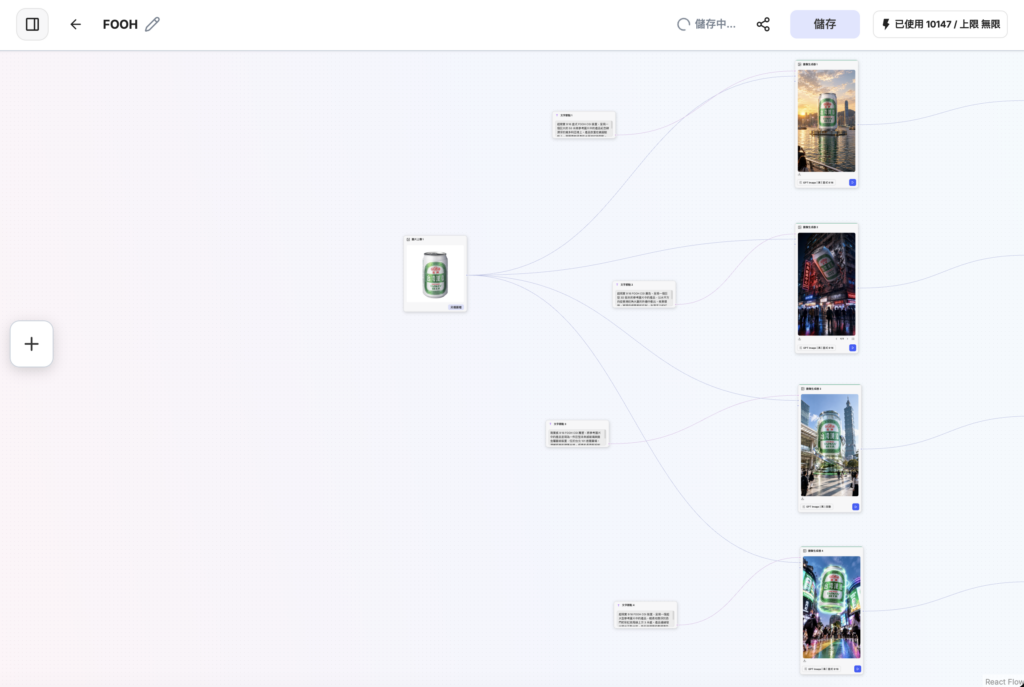
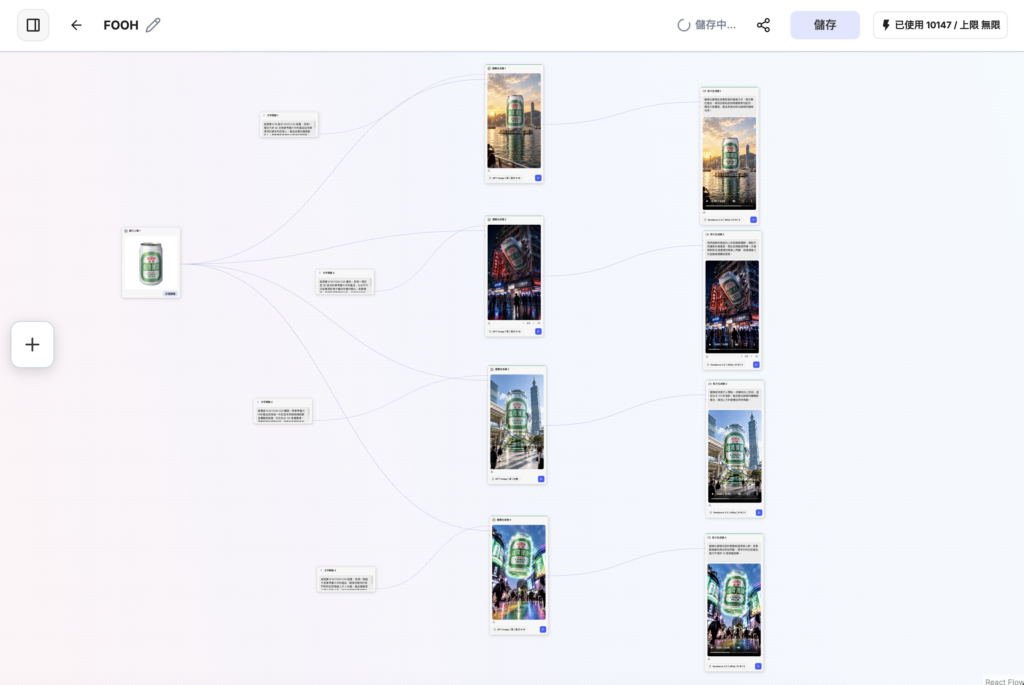
Click "+" and choose "Image Generator" to create 4 image generators. Set each one to "GPT Image 2," "High quality" and "Portrait 9:16." Connect the Taiwan Beer photo and the matching text node to each generator, then click Run to produce 4 FOOH images in 9:16.
Step 4: Set up the "Video Generator" nodes to turn the images into motion
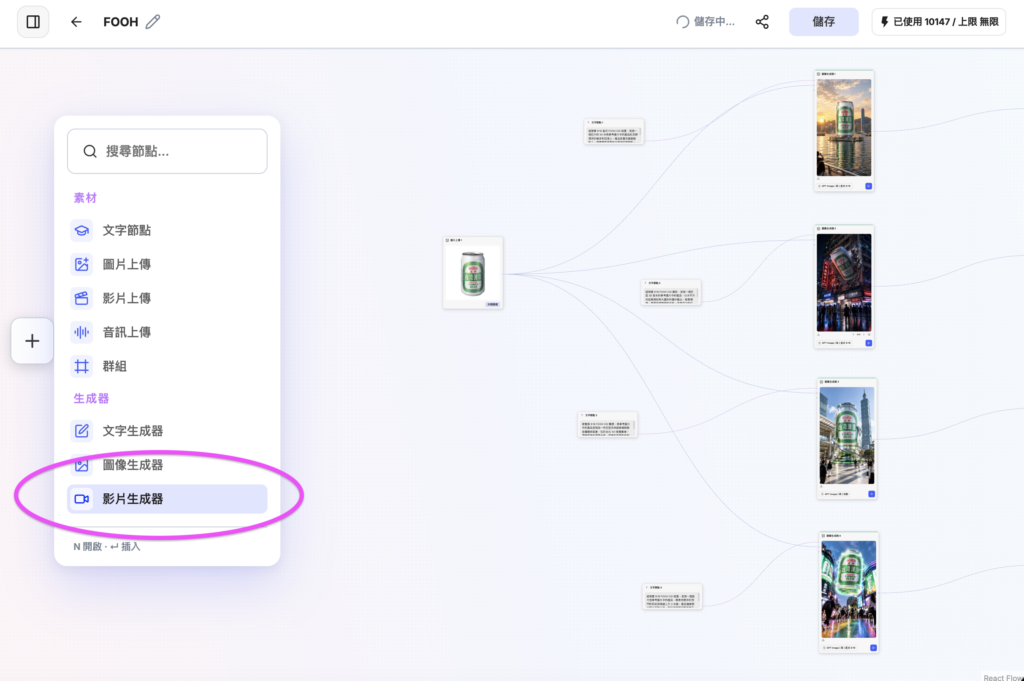
Click "+" and choose "Video Generator" to create 4 video generators. Set the parameters to "Seedance 2.5 Image-to-Video," "480p resolution," "9:16 aspect ratio" and "5s duration," connect each one to its matching image generator, and copy and paste one of the following prompts into each:
- The camera pushes in slowly and cinematically, gradually moving closer to the product. Waves rise and fall gently around the bottom of the barge, creating an atmospheric haze; the product's surface reflects subtle lens flares.
- A subtle vertical upward tilt of the camera, with the realism of handheld footage. Neon signs flicker dynamically, traffic-light reflections shimmer on the wet road, and light smoke or steam rises from street vents.
- The camera starts on the pedestrians at ground level and tilts smoothly upward to the top of Taipei 101. The product gives off a subtle volumetric pulse of light, and the clouds overhead drift naturally.
- The camera tracks slowly forward through the crowd. The digital billboards in the background flicker naturally, and the giant floating product makes a smooth, slight 15-degree rotation.
Step 5: Run the generators and get your viral videos
Press Run on all 4 video generators, wait a few minutes, and you will have 4 FOOH videos made for social media, ready to post to every major platform!
JifChat limited-time offer!
JifChat has hundreds more workflows waiting for you to explore! Sign up now and get 9,400 free credits. Sign up today, get creative with your kids too, and enjoy some great AI creation time!